
01
Start without disruption
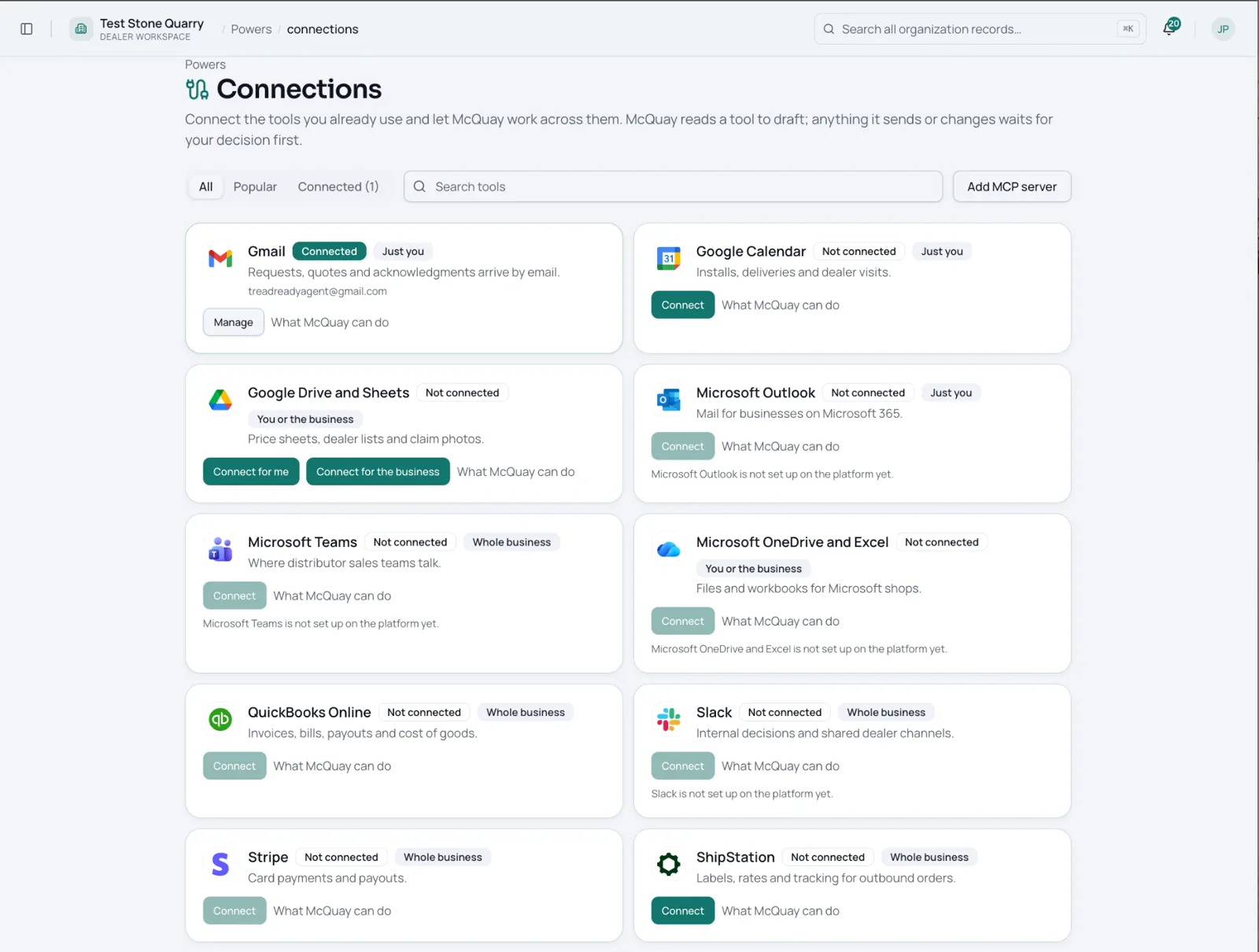
Connect what you have
Your inbox, your ecommerce site, your CRM, your ERP. We mirror your data behind the scenes. Nothing gets replaced.
Demo data

How it works
Keep running the business your way. The assistant prepares the work. Your people make the call.
Three steps. No big bang.
Start without disruption
Your inbox, your ecommerce site, your CRM, your ERP. We mirror your data behind the scenes. Nothing gets replaced.
The assistant prepares
They draft quotes, open tickets, file claims, reconcile rebates, and prepare work orders. Every action waits for a person to approve.
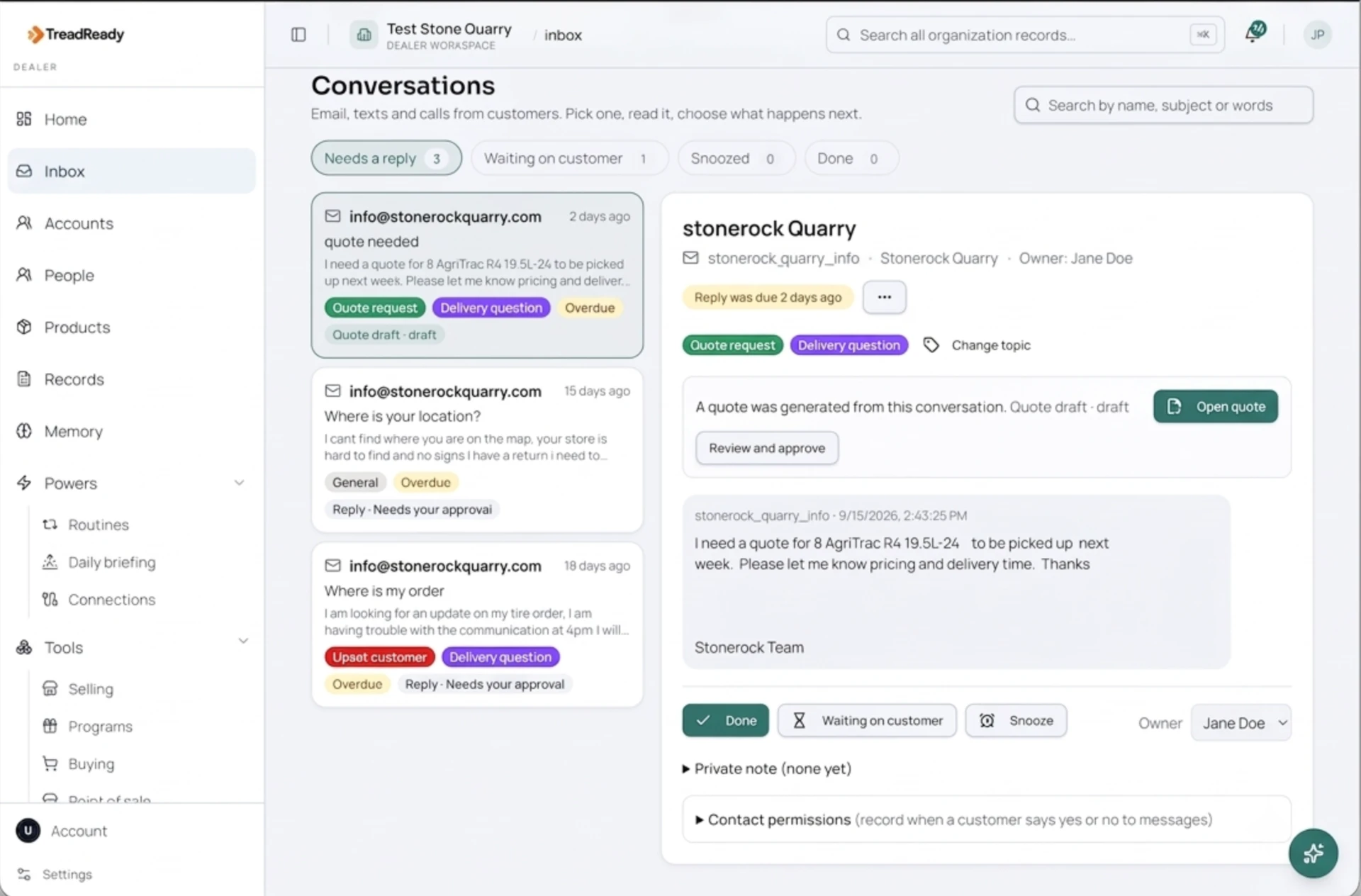
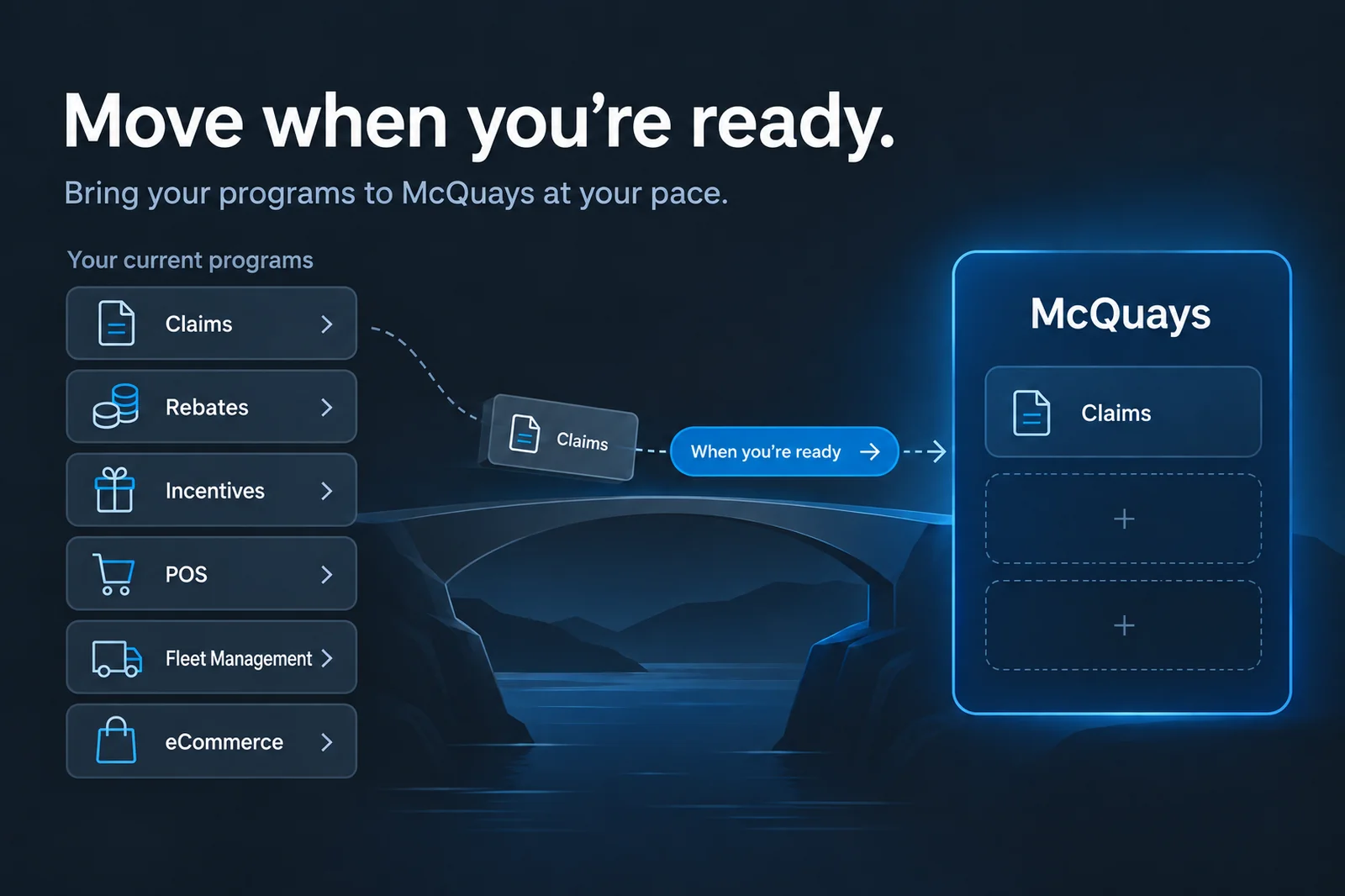
Move at your pace
When your team trusts the results, the portal, the POS, and the rest are already mapped to your data. One click.
People stay in control
Send anything without approval.
Change pricing.
Contact a customer on their own.
Move data outside your account.
Connections
Your existing systems keep running while McQuays prepares a shared view behind the scenes.
Gmail
Microsoft 365
Shopify
Magento
BigCommerce
CRM and ERP